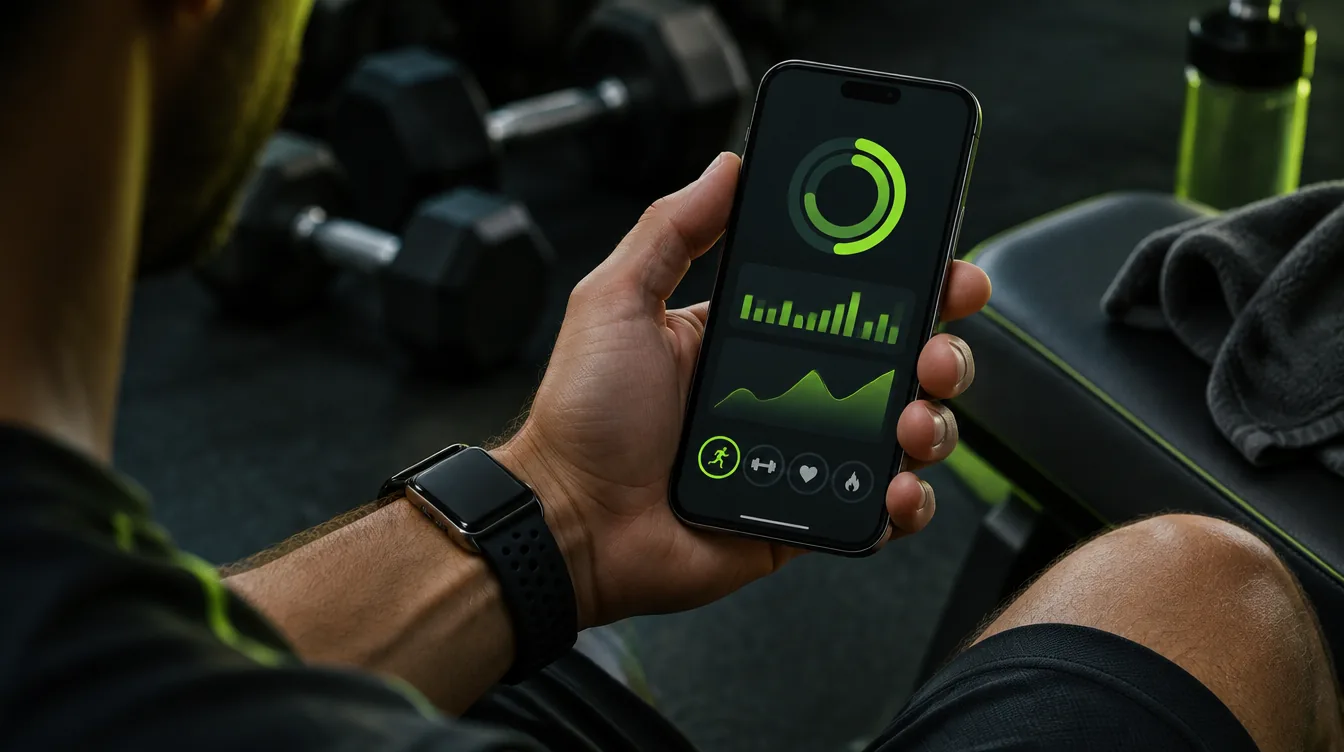
For most people, the ideal Apple Watch setup is Apple's Workout app to log any activity, plus an app that gives you a plan: Focus if you want gym, running and nutrition together, Strava for community or Nike Run Club for guided runs. All of them save your data to Apple Fitness and Apple Health.
What to look for in an Apple Watch app
- Works without the iPhone, so you can run with just the watch.
- Real heart rate and distance from the watch's sensors, not estimates.
- Saves to Apple Fitness, so your rings close and you never log twice.
- Screens you can read on the move, with big type and few taps.
The apps
| App | For | Price |
|---|---|---|
| Workout (Apple) | Logging any activity | Built in |
| Focus | Gym, running and recovery with a plan | Free watch app |
| Strava | Community and segments | Free or subscription |
| Nike Run Club | Guided runs | Free |
Apple Workout
The foundation. Pace, heart rate zones, cadence, custom intervals. It doesn't tell you what to train or log weight sets with load and reps.
Focus
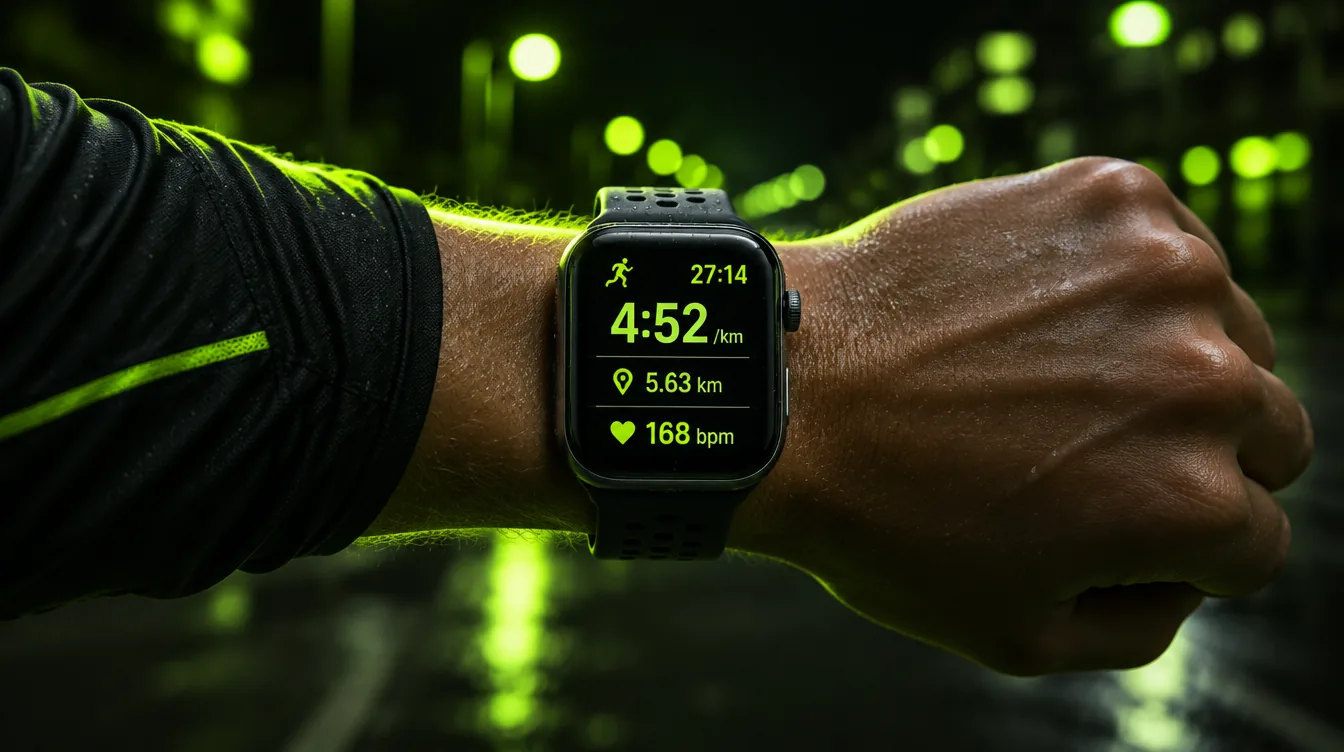
Start your gym workout or run from your wrist with real heart rate and distance, and everything saves to Apple Fitness. With Pro you also log sauna and cold plunge sessions from the watch. On iPhone you see your program, nutrition and daily battery. The watch app is free.
Strava and Nike Run Club
Strava syncs your activities and shares them with your community; Nike Run Club brings its guided runs to the watch. Both are excellent for running.
One tip: pick a single app to start each workout. Start two at once and your calories and minutes count double.
If you run with your watch, see our guide on how to use Apple Watch for running.