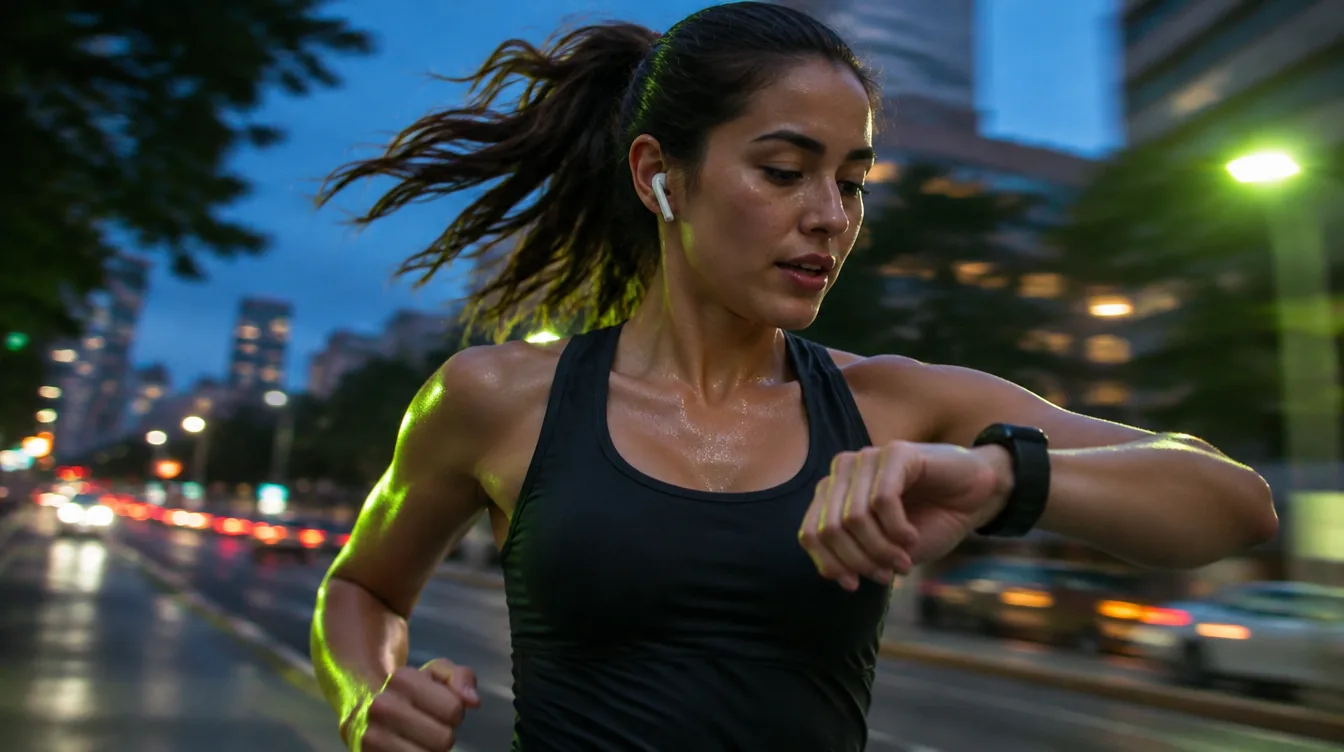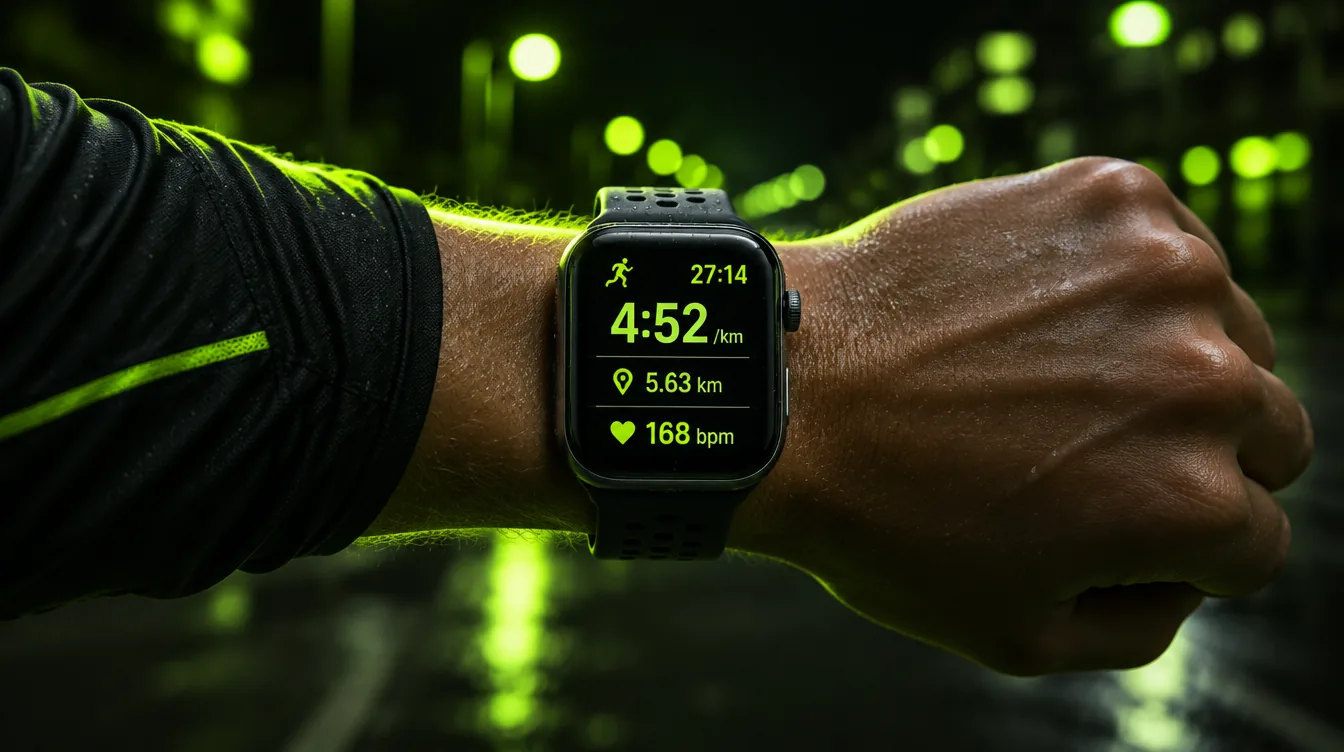
To run with Apple Watch: open a workout app (Apple's or one like Focus), choose "Outdoor Run", wait for GPS to lock and start. Set up beforehand which metrics you see (pace, distance, heart rate) and turn on pace or kilometer alerts so you don't have to look at your wrist. If your model has GPS, you can leave the iPhone at home.
Step by step
- Calibrate: do 2 or 3 outdoor runs with good signal; the watch learns your stride.
- Pick your metrics: in iPhone Settings > Workout, keep current pace, distance, time and heart rate.
- Turn on alerts: one alert per kilometer with your pace lets you run without checking your wrist.
- Heart rate zones: use them to keep easy runs truly easy (zone 2).
- Music without iPhone: download a playlist to the watch and pair your earbuds.
1
alert per kilometer
Zone 2
for easy runs
0
iPhones needed with a GPS Watch
Metrics that matter
| Metric | What for |
|---|---|
| Current pace | Controlling your effort |
| Pace per km (split) | Checking you're running even |
| Heart rate | Knowing if you're easy or hard |
| Cadence | Steps per minute; higher is usually more efficient |
Learn to read pace with our running pace guide.
Pick one app to start the run. Start two at once and your rings count it double.
With Focus
Start the run from your watch with real Apple Watch heart rate and distance, voice cues that play over your music without pausing it, and when you finish everything saves to Apple Fitness and your Focus history next to your gym workouts. The watch app is free.